Review inflammation and sensitivity as a foundation for understanding skin concerns.

Home
Professional Applications & Cases
P2 · COMPREHENSIVE ANALYSIS
Four dimensions.
One connected assessment.
Mirage3D P2 connects inflammation, skin tone, skin condition and aging in a comprehensive skin and morphology assessment.
I–T–C–A · Four AI detection systems
Explore pigmentation and uneven skin tone—common concerns in skin consultations.
Review pores, skin texture and surface detail.
Review age-related changes in facial lines and contours.
FOUR-DIMENSIONAL REVIEW
Explore each area
of skin assessment.
Explore the image views used to assess inflammation and sensitivity, skin tone, texture and age-related changes in facial shape.
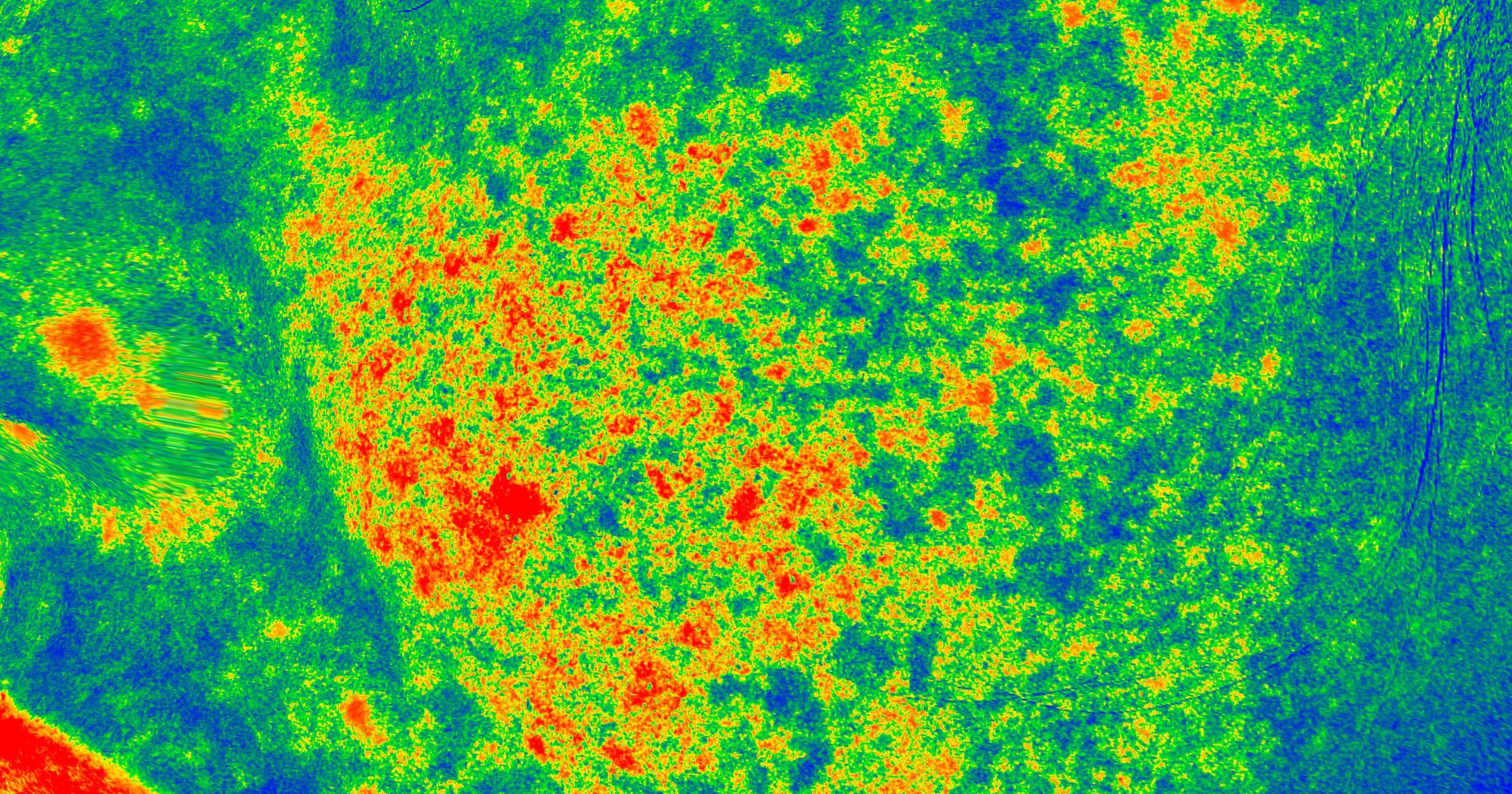
SELECTED EVIDENCE SET
Inflammation & skin sensitivity
Pair surface and enhanced-red views to explain the visible pattern, then use aligned history to review change over time.
Associated image modes
- Natural and cool light
- UV
- Standard red
- Enhanced red
- Red heatmap
- Cross-polarized view
Swipe to explore
Capture
A guided scan brings skin imaging and 3D facial morphology into the same session.
Interpret
AI assistant and intelligent-report tools help organize image and data review.
Compare
History, split-screen, mirror, dynamic and texture-tracking views support longitudinal review.
Share
Online reports, QR sharing, snapshots and high-definition image export support follow-up.
THE FOUR DIMENSIONS, IN DETAIL
Understand what
each image view reveals.
Explore the image modes and measurements used in each of the four assessment areas.
01 · INFLAMMATION & SENSITIVITY
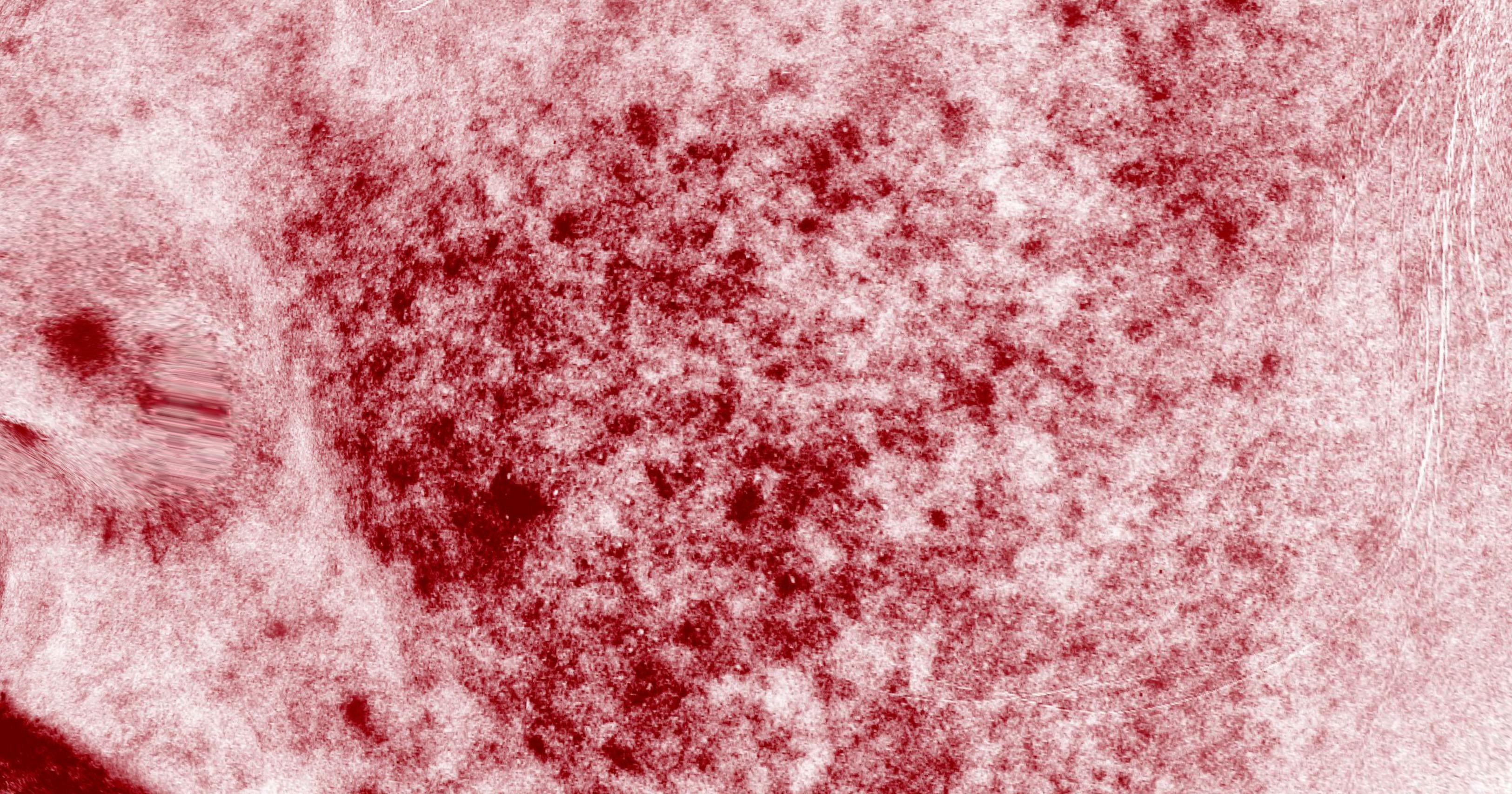
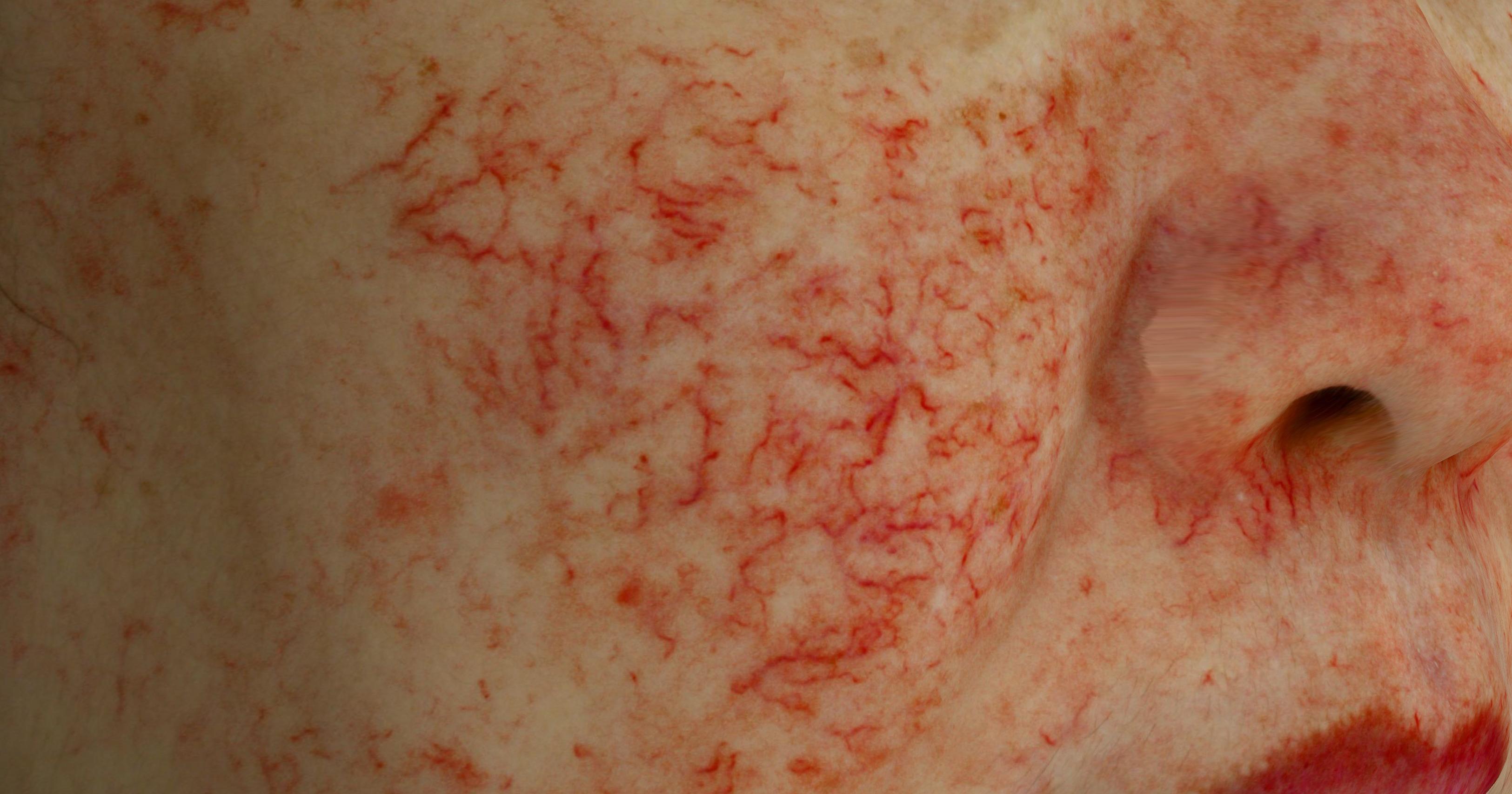
Inflammation & skin sensitivity
Red-zone score, maximum value, peak value, deep-zone intensity and distribution keep the discussion focused on visible inflammatory and sensitivity-related patterns.
Review focus
Redness · porphyrin-related appearance · vessel visibility · red-zone distributionPrimary image modes
- Natural and cool light
- UV
- Standard red
- Enhanced red
- Red heatmap
- Cross-polarized view
What the system quantifies
- Red-zone score
- Maximum redness
- Peak red-zone value
- Deep-zone intensity
- Red-zone distribution
Use in consultation
Pair surface and enhanced-red views to explain the visible pattern, then use aligned history to review change over time.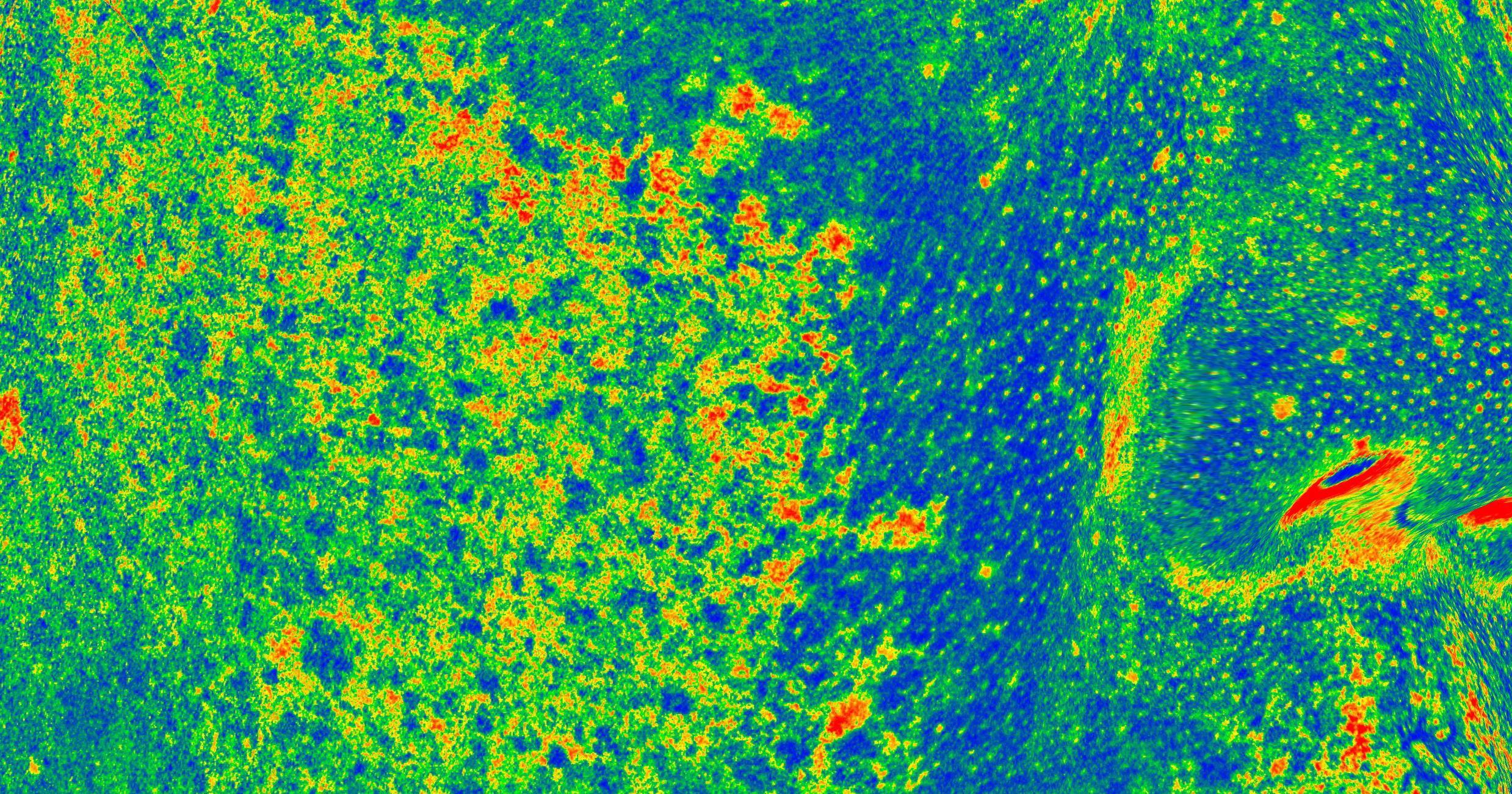
02 · SKIN TONE & BRIGHTNESS
Skin tone & brightness
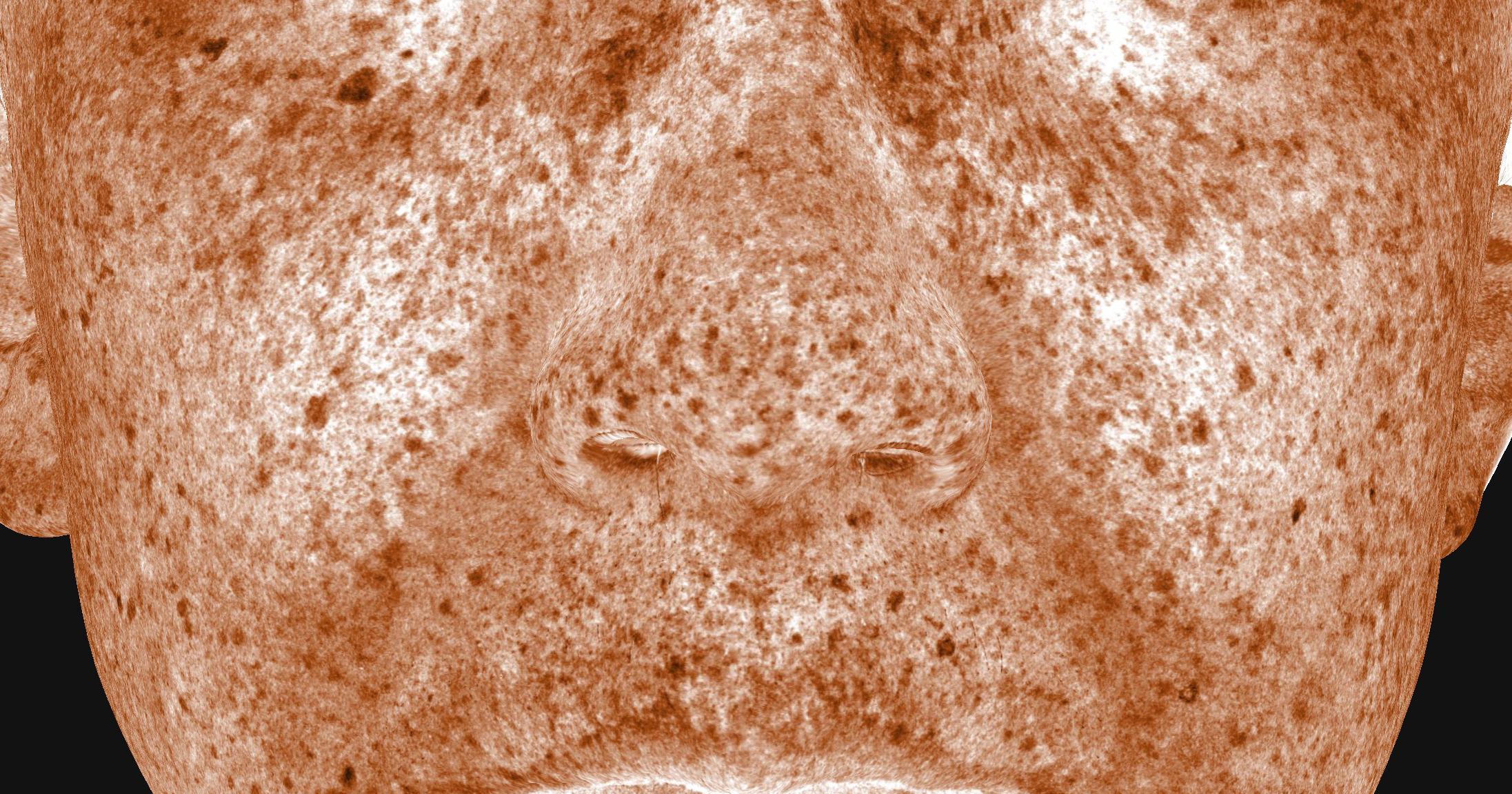
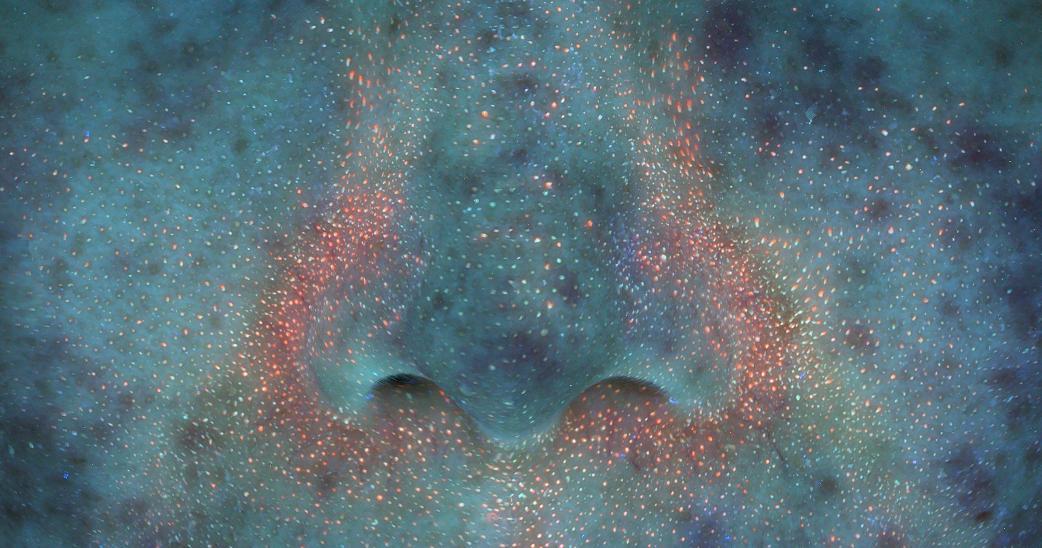
Pigmentation and brightness values, distribution and standard color references support clear before-and-after discussion of visible tone changes.
Review focus
Pigmentation · brightness · evenness · spot distributionPrimary image modes
- Natural and cool light
- Standard brown
- Enhanced brown
- Brown heatmap
- UV
- UV spots
- Lab color values
What the system quantifies
- Pigment maximum
- Pigment intensity
- Pigment distribution
- Brightness maximum
- Brightness peak & intensity
Use in consultation
Read tone, brightness and pigment distribution together, then use matched imaging for a before-and-after visual review.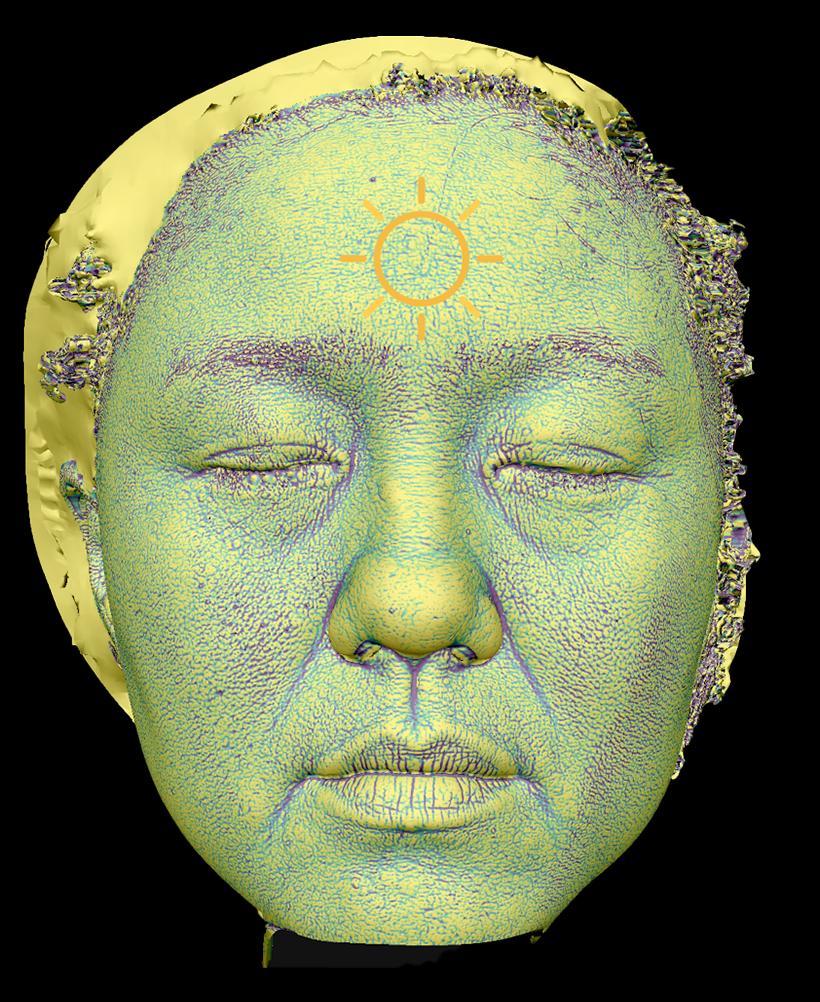
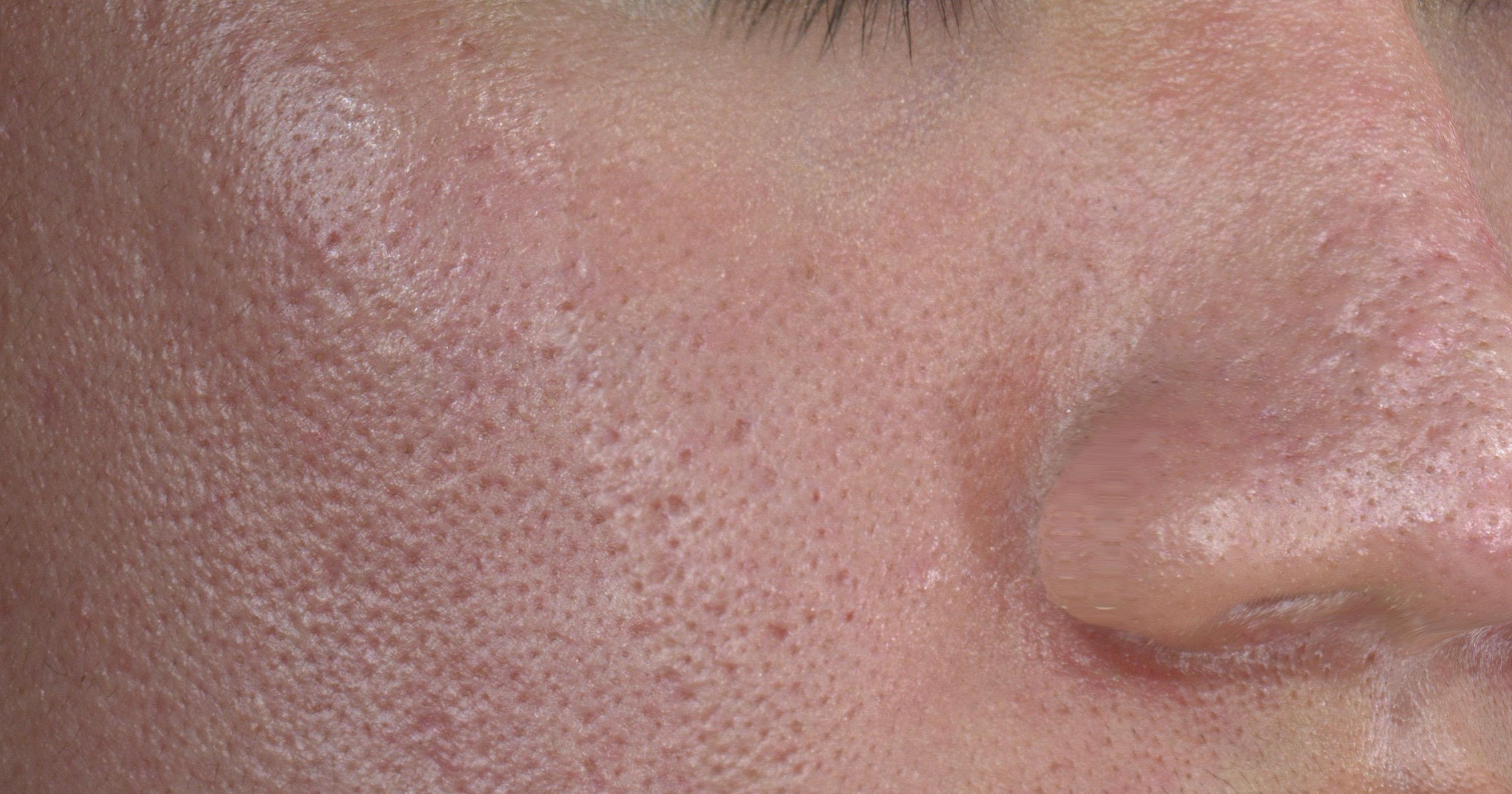
03 · SKIN CONDITION & TEXTURE
Skin condition & texture
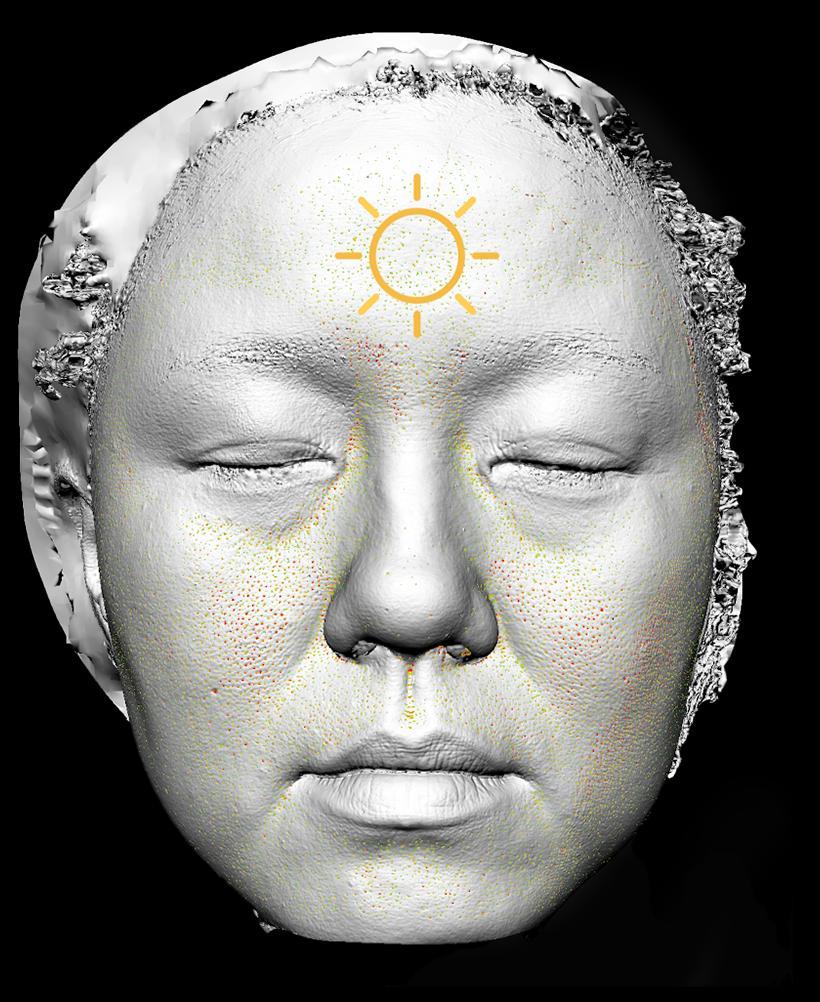
Pore size, depth, coarse-to-fine ratio, micro-relief and spatial patterning help distinguish a local detail from its whole-face context.
Review focus
Pores · texture · micro-relief · visible surface conditionPrimary image modes
- RGB
- Pore view
- Texture view
- UV
- Parallel-polarized view
What the system quantifies
- Pore size
- Pore depth
- Coarse-to-fine pore ratio
- Micro-relief depth
- Spatial patterning
Use in consultation
Move from surface texture to localized areas of interest while retaining the complete facial context.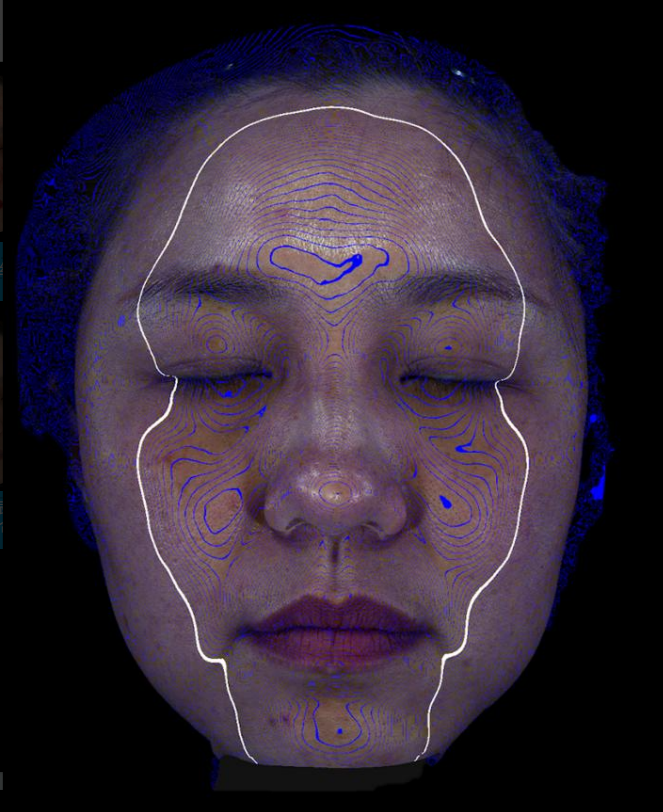
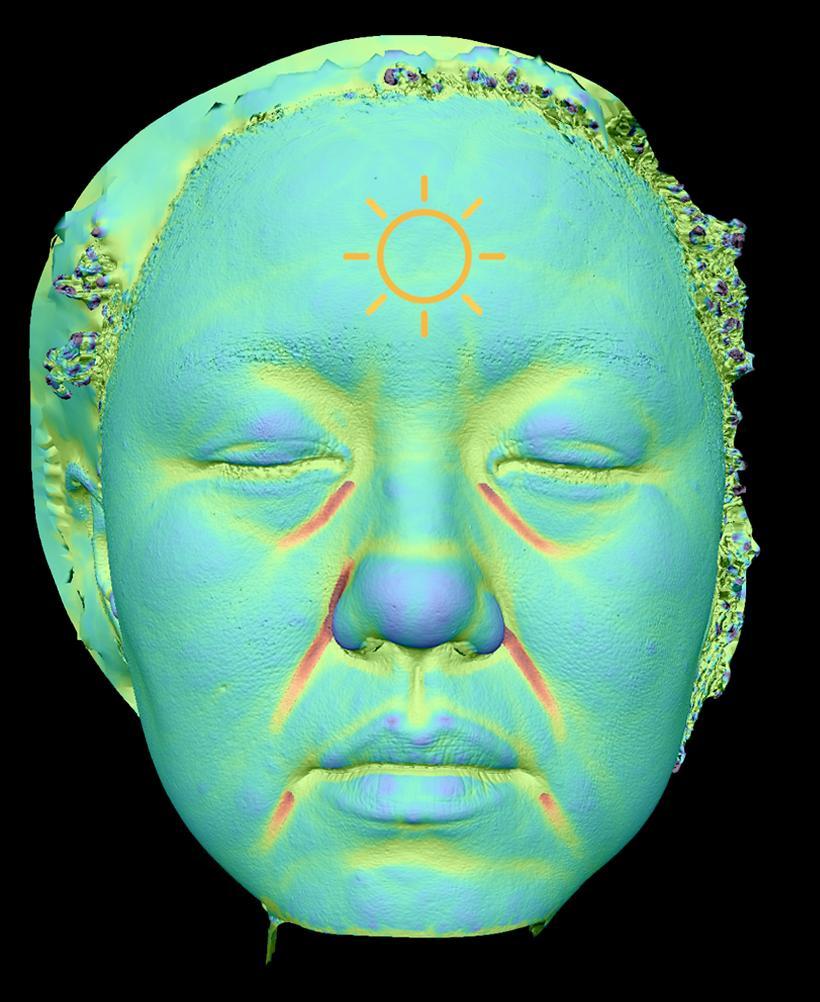
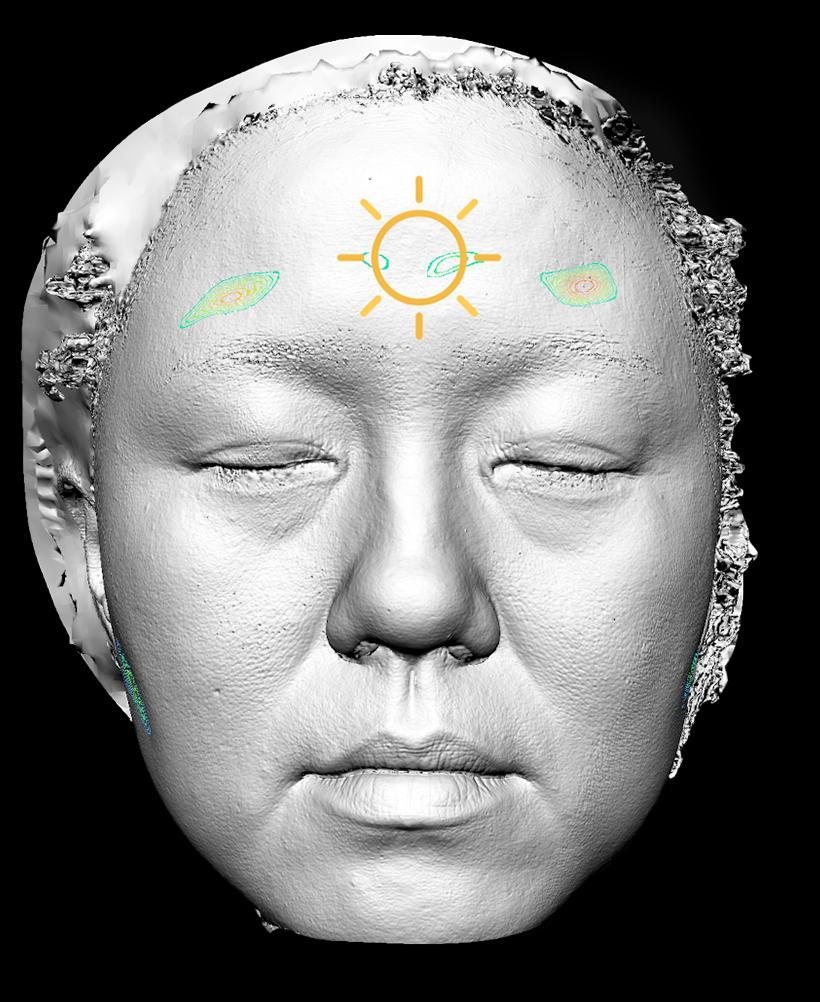
04 · MORPHOLOGICAL AGING
Morphological aging
Fine lines, major folds and depressed areas can be reviewed alongside contour and shape views, making subtle morphology changes easier to compare over time.
Review focus
Fine lines · folds · depressions · contour · facial shapePrimary image modes
- RGB and texture
- Fine-line view
- Wrinkle view
- Shape
- Contour lines
- Facial depressions
What the system quantifies
- Fine-line pattern
- Major folds
- Depressed areas
- Contour continuity
- Facial-shape observations
Use in consultation
Use shape, contour and texture views together to make subtle morphology changes easier to discuss and compare.P2 3D MORPHOLOGY
A spatial view of facial change.
P2 provides multiple facial morphology views from a full-face scan to support consultations and comparison over time.
Contour profile
Elevation contours make facial topography and directional change easier to read in a full-face view.
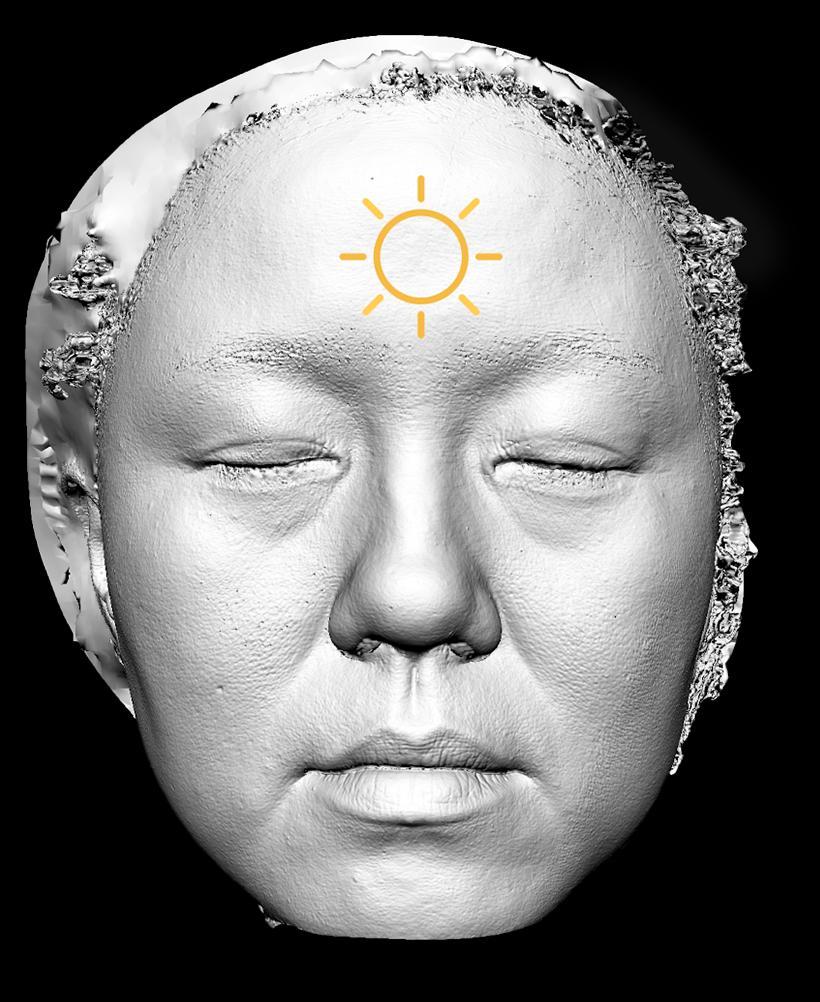
02
Shape
Review facial form and regional volume in a continuous 3D context.
03
Fine lines & folds
Bring local line patterns into the same spatial review.
04
Facial depressions
Visualize hollowing-related areas alongside the wider facial contour.
CLINIC WORKFLOW
Designed for clearer consultations.
Scan
Capture skin and 3D facial information in one guided scan.
Analyze
Review image modes and quantified visual information together.
Compare
Bring historical views into the consultation when treatment tracking matters.
Consult
Use clear visual evidence to support client communication.
CONSULTATION SOLUTIONS
Make image comparisons part of the consultation.
Establish a baseline, select the relevant image mode and compare with previous captures to support follow-up discussions.
Baseline consultation
Use the imaging atlas to review inflammation, tone, texture and 3D morphology in one guided consultation.
Aligned history review
Compare current and historical captures with split and mirror views, keeping the same image mode in focus.
Video comparisons
Pause, scrub and discuss the supplied comparison sequences before preparing the next report or follow-up.
CASE REVIEW IN MOTION
Explore the comparison videos.
Explore inflammation and sensitivity comparisons alongside skin-tone comparisons. Each case retains its own baseline and follow-up record.
Swipe to explore
CASE COMPARISON
Inflammation & sensitivity · Before & after
Case 01
DYNAMIC COMPARISON0s / 0s
Compare baseline and follow-up images to review visible changes in redness and sensitivity-related patterns.
CASE COMPARISON
Skin tone · Before & after
Case 02
DYNAMIC COMPARISON0s / 0s
Compare baseline and follow-up skin-tone images to review pigmentation distribution and tone uniformity.
CASE COMPARISON
Texture tracking in 3D
3D TEXTURE TRACKING
TEXTURE TRACKING0s / 0s
Follow the distribution and movement of texture-tracking markers across a 3D facial image.
CASE COMPARISON
Skin texture comparison
SKIN TEXTURE COMPARISON
DYNAMIC COMPARISON0s / 0s
Compare earlier and current skin-texture views to examine visible surface detail and spatial patterns.